Keyboard Settings#
Keyboard#
Country/Language Keyboard Layout Selection#

* US Keyboard#

Belgium#

Brazil (ABNT2)#

Denmark#

Finland#

France#

Austria / Germany#
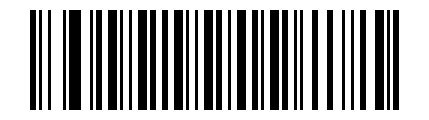
Greece#

Hungary#

Italy#

Netherlands#

Norway#

Poland (214)#

Portugal#

Romania (Standard)#

Russia#

Slovakia#
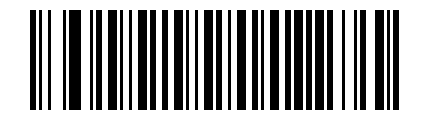
Sweden#
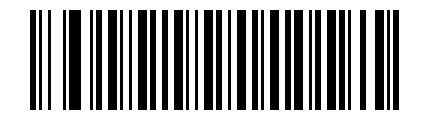
Turkey_F#
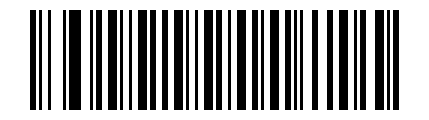
Turkey_Q#

United Kingdom#

Japan#

Thai Keyboard Kedmanee#
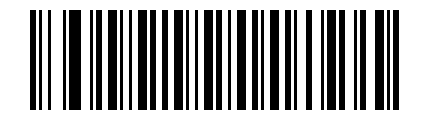
Ukraine#
This keyboard layout (Arabic_101) supports: Saudi Arabia, United Arab Emirates, Oman, Egypt, Bahrain, Qatar, Kuwait, Lebanon, Libya, Syria, Yemen, Iraq, and Jordan.

Arabic_101#

Croatia#

Korea#

Bulgaria#

Czech Republic#
Note
Some keyboard layouts require the WIN plug-in to be installed.
Note
In principle, “Multilingual” requires the output character set to be set to UTF-8. The Parameter Barcode below is used for the multilingual / Vietnamese keyboard layout.
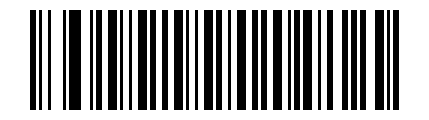
Multilingual / Vietnamese#
Keyboard Output Character Interval#
Set the interval between keyboard output characters. After scanning the Parameter Barcode, scan the 3-digit Numeric Barcode to enter the time factor.
- default
5 ms- Unit
5 ms- Range
0-1000 ms

Keyboard Output Character Interval#
Example
To set the output interval to 100 ms: scan this Parameter Barcode, then scan the Numeric Barcodes 0, 2, and 0 in order.
Keyboard Output Interval Quick Setting#
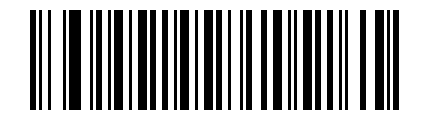
0 ms#

5 ms#
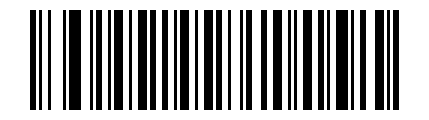
10 ms#

50 ms#
Forced Letter Case Conversion for Keyboard Output#
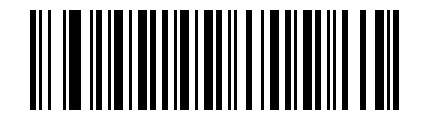
* Normal Letter Case#
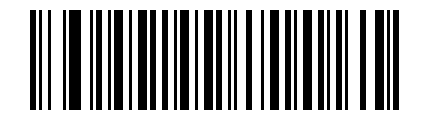
Convert All Letters to Uppercase#

Convert All Letters to Lowercase#

Invert Letter Case#
Keyboard Type#

* Standard Keyboard#
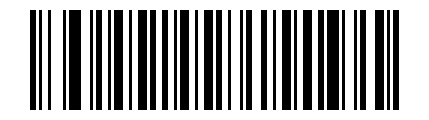
Virtual Keyboard#
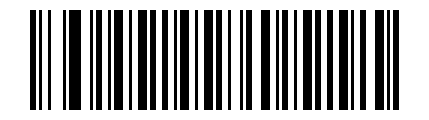
Disable#
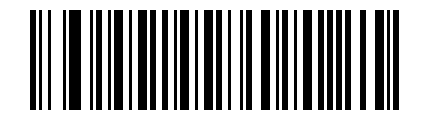
* Enable#
ASCII Control Character Output Method Selection#
Select the output method for control characters in the ASCII range (0x00-0x20).
(0) Output function keys: control characters are used as custom function keys. See Character Reference Table for details.
(1) Output Ctrl key combinations: control characters are output as Ctrl key combinations. See Character Reference Table for details.
(2) Output control characters by ALT method: in Chinese environments, full control character output is supported. Refer to the standard ASCII table for details.
(3) Output Enter and DownArrow: other control characters are masked, and only the following are output: 0x07 outputs Enter, 0x0A outputs DownArrow, and 0x0D
outputs Enter.
(4) Output Ctrl key combinations, but exclude keys already present on the keyboard: Enter.
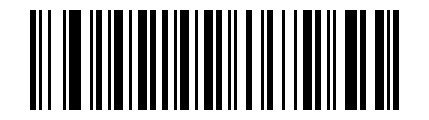
Output Function Keys#

Output Ctrl Key Combinations#

Output Control Characters by ALT Method#

Output Enter and DownArrow#

Output CTRL+ key combinations, excluding keys already present on the keyboard#